Introduction
Eclipse is a famous cross-platform, open-source integrated development environment (IDE). It was initially mainly used for Java development, and today some people also use it as a development tool for other languages such as C++, Python, and PHP through plugins.
Eclipse itself is only a framework platform, but support from numerous plugins gives Eclipse considerable flexibility, so many software vendors develop their own IDEs based on the Eclipse framework.
Eclipse was initially developed by IBM as the next-generation IDE environment to replace the commercial software Visual Age for Java. It was contributed to the open-source community in November 2001 and is now managed by the non-profit software vendor alliance Eclipse Foundation.1
Disadvantages:
- In actual use, this IDE starts more slowly than Visual Studio.
- Its update speed is rather unpredictable. Plugin updates cannot keep up with IDE updates, which is unfriendly to users who update frequently.
Advantages:
- Good user experience.
- Easy to get started with, so this IDE is relatively recommended for OIers.
Installation & Configuration Guide
For installation, refer to Eclipse/Installation - Eclipsepedia.
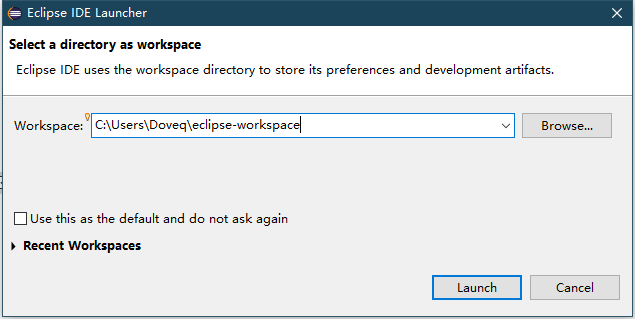
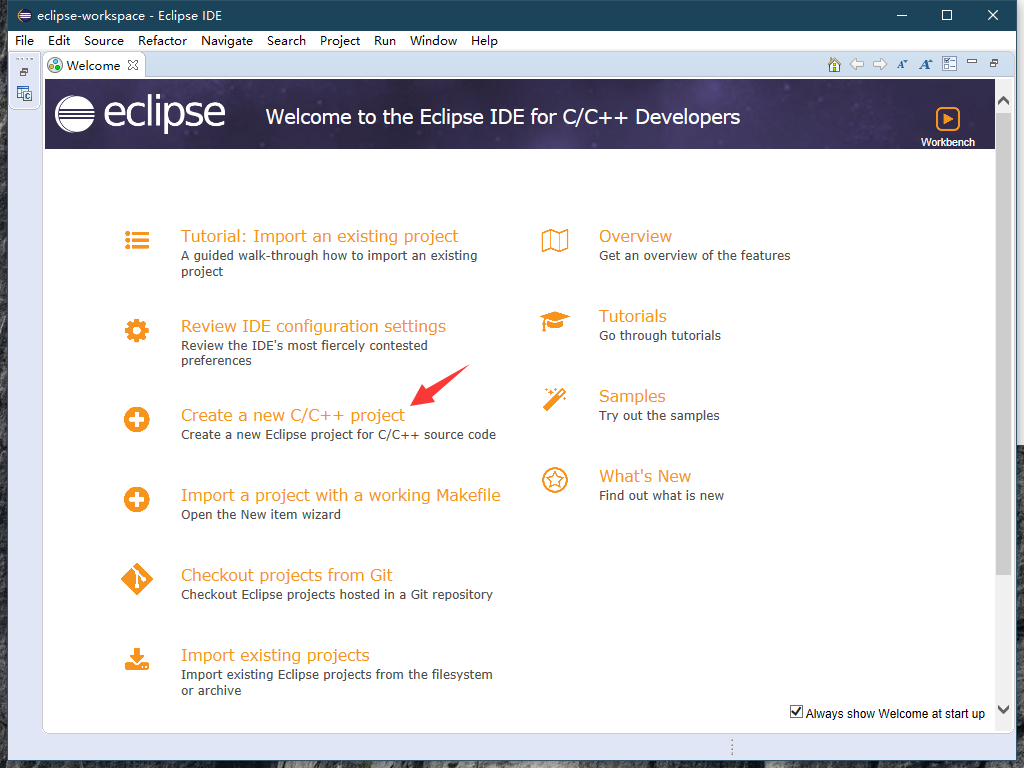
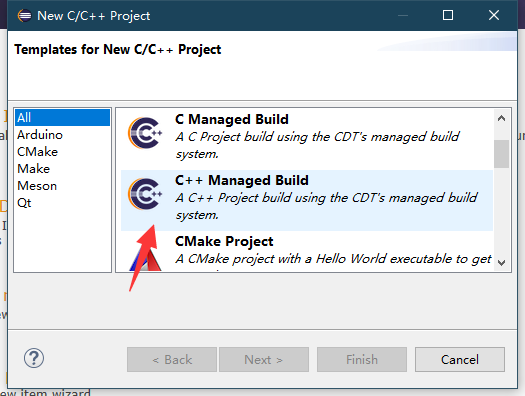
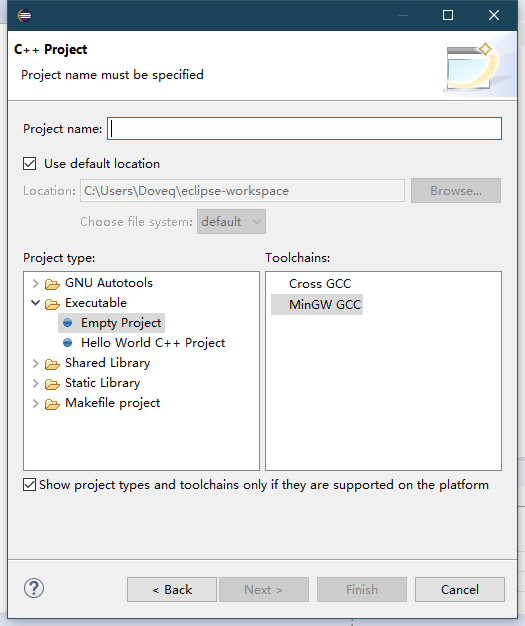
After installation, fill in the directory information as shown to create a project:
Further Reading
This software's help manual is very detailed. It is recommended that beginners read the help manual more, search Baidu more, and note that using this IDE feels similar to using Visual Studio.
Like VS Code, Eclipse also provides many plugins that can make Eclipse easier to use.2