Introduction
CP Editor is designed specifically for programming contests, unlike other IDEs that are primarily designed for development. It can automate compilation, execution, and testing, allowing you to focus on algorithm design. It can even fetch samples from various programming contest websites and submit code to Codeforces!
Download and Installation
Basic Configuration
CP Editor does not include a compiler internally, so you need to install and configure one yourself. If necessary, refer to this site's articles on compiler installation1. Of course, if you choose an installer with the
with-gcc-<GCC 版本号>-llvm-<LLVM 版本号>suffix when downloading, you can use the compiler bundled with CP Editor; its path is{安装目录}/mingw64/bin/.
-
Set the default language
The editor's default language is
C++.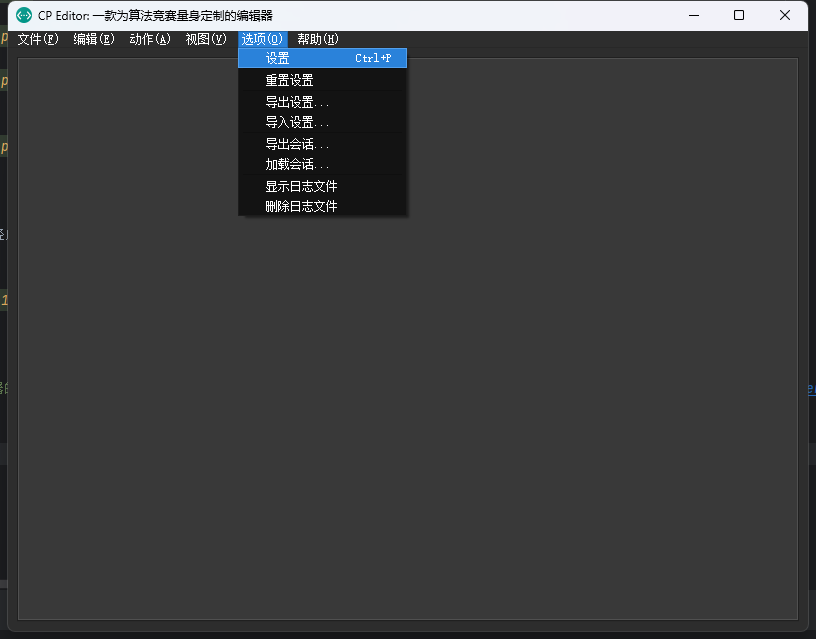
cp-setting-lang-1 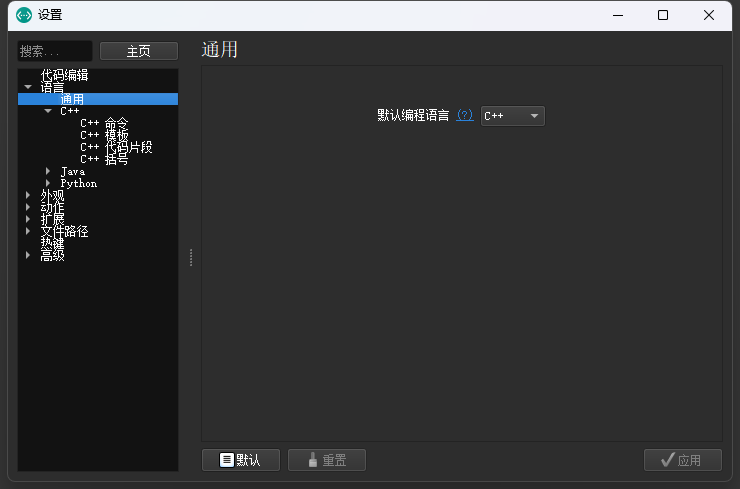
cp-setting-lang-2 -
Set the
C++commandYou need to configure some necessary compilation commands; these should be set according to your compiler.
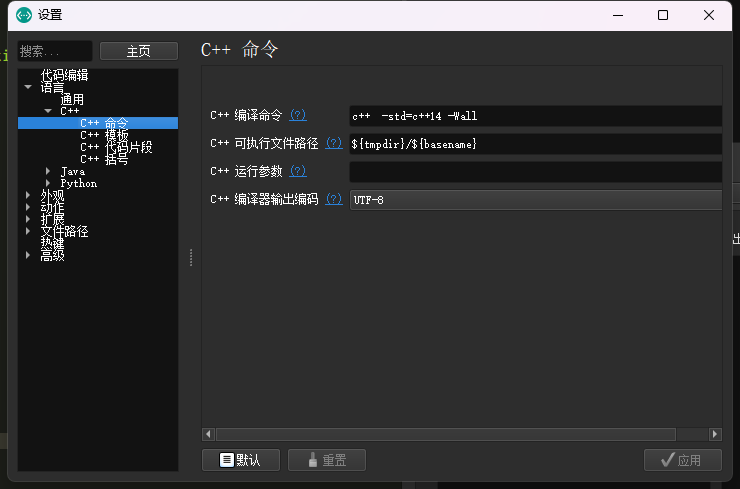
cp-setting-lang-3 -
Set the template
This is the template used to initialize a new file automatically. Note that CP Editor requires an
xxx.cppfile as the template file.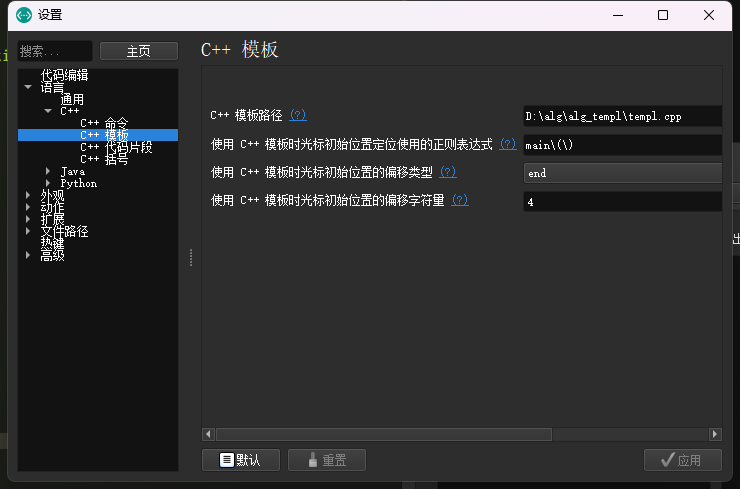
cp-setting-lang-4
After completing the basic operations above, you can use the most basic features.
Basic Features
-
Keyboard shortcuts
Command Action Ctrl+Shift+C Compile. Ctrl+Shift+R Compile and run. Ctrl+R Run. Ctrl+Alt+D Run in the terminal. Ctrl+K Terminate all processes. Ctrl+Shift+I Format code. See the official documentation for details.
-
Sample testing
You can copy the samples from the problem statement and have CP Editor judge them automatically; you can also set a time limit!
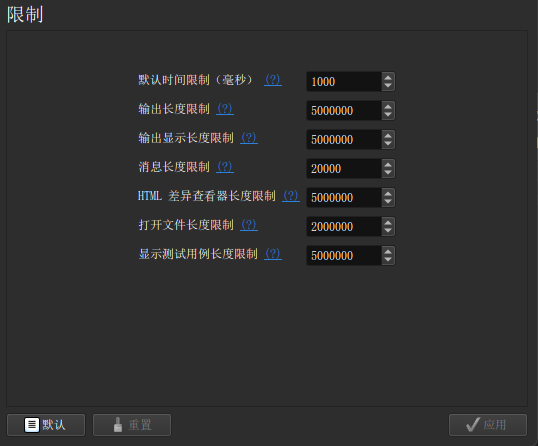
cp-setting-limits 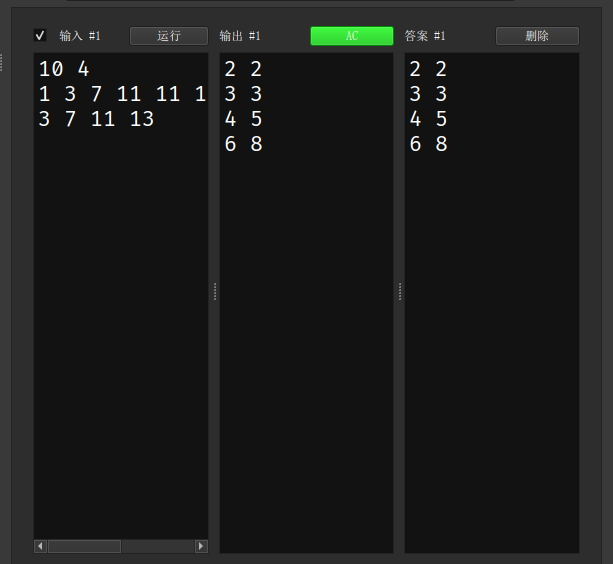
cp-judge-1 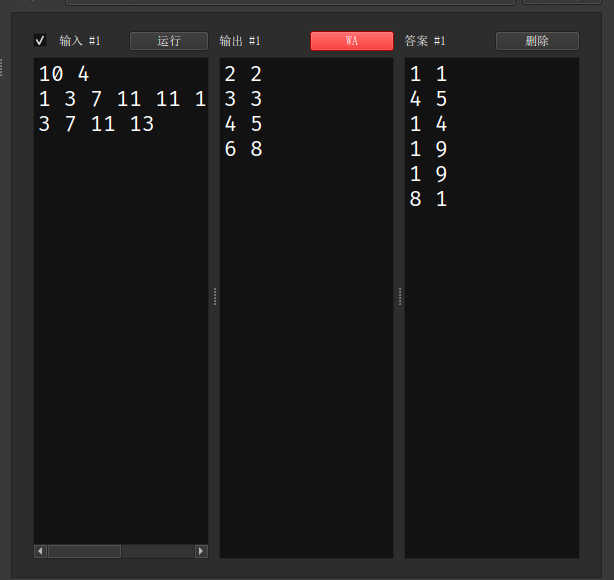
cp-judge-2 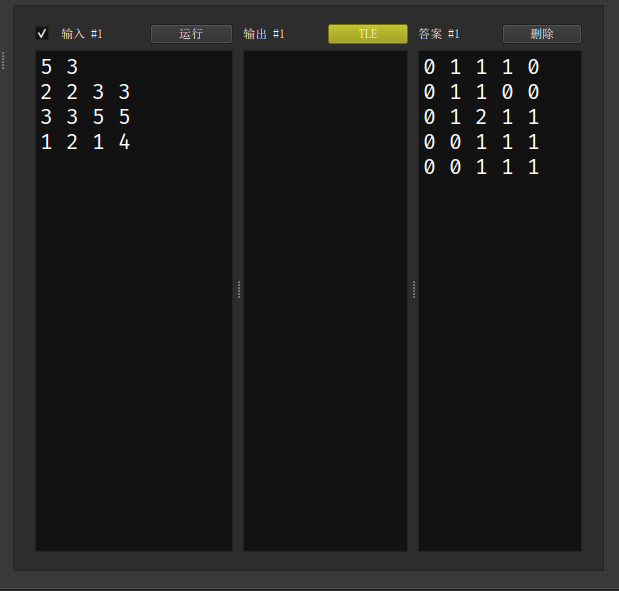
cp-judge-3 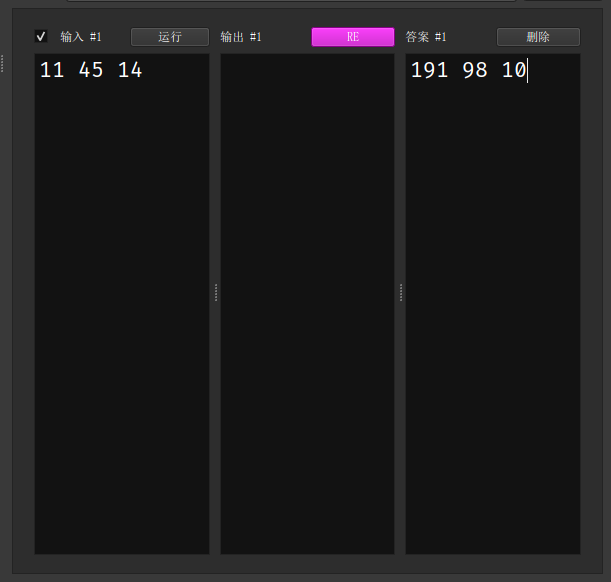
cp-judge-4